
Customers can add funds to their account via the Account page in mPanel:
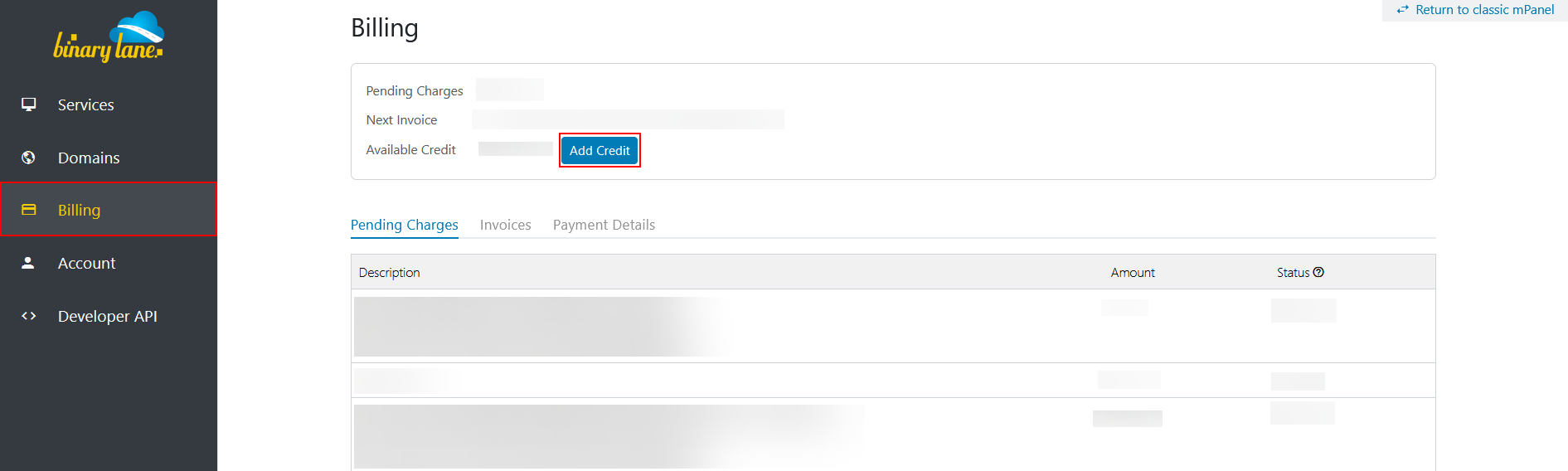
- Log in to the new mPanel.
- Click on the Account tab on the left-hand navigation pane
- Select View Account Balance.
- Click the 'Add Credit' button
- Enter the amount you wish to add, then click 'Pay with PayPal'.
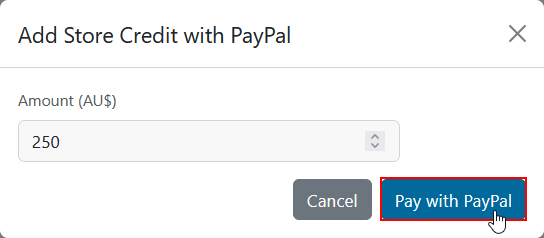
The minimum amount of funds that can be added to an account is $5.00, with a maximum amount of up to $1000.
While this feature utilises PayPal for the payments, a PayPal account is not required to add funds using a credit card.
Credit card users will be prompted to enter their card details on the PayPal site when adding funds to their account.
Customers can add funds to their account via the Account Balance page in mPanel.
https://www.binarylane.com.au/mpanel/profile/balance

The minimum amount of funds that can be added to an account is $5.00, with a maximum amount of up to $1000.
While this feature utilises Paypal for the payments, a Paypal account is not required to add funds using a credit card.
Credit card users will be prompted to enter their card details on the Paypal site when adding funds to their account.